View Tools 

There are two tools used to change the current view;
Zoom
Z
The
Use the
Tip
The Mouse
When the
Tip
When the
Pan
H [temporary activation: hold the spacebar down]
The
Click and drag the canvas to move it around within the
Tip
The functionality of the
Tip
Scroll the image vertically at any time using the Mouse
Overscrolling
From version 4.0.10+ it is possible to scroll or pan an image past the edge of the editing window.
Tip
To disable Overscrolling, open the Settings dialog  and untick the Scrolling past the edge of the image (overscroll) checkbox in the User Interface tab.
The Auto-Scroll check box enables and disables automatic scrolling of the image when working at the edge of the editing window.
The amount of panning/scrolling is dependent on the view size of the image. Small images can be scrolled or panned until they are half off screen.
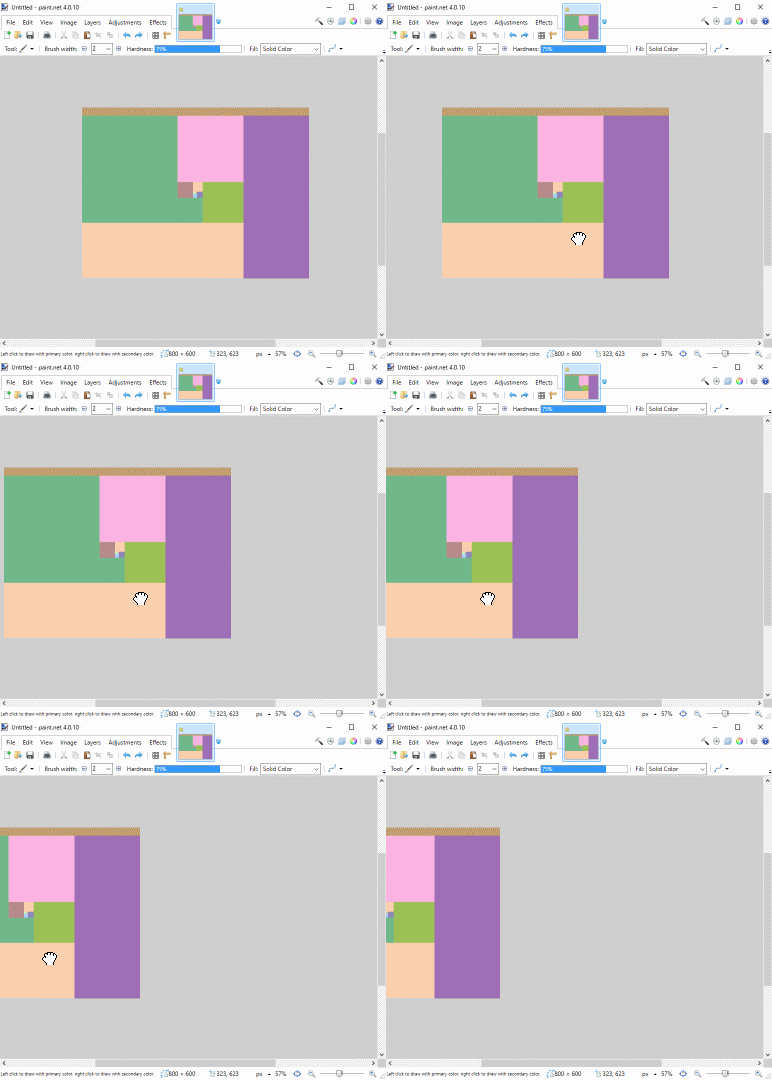
Images viewed at larger sizes can be scrolled or panned until the edge of the canvas meets the center of the
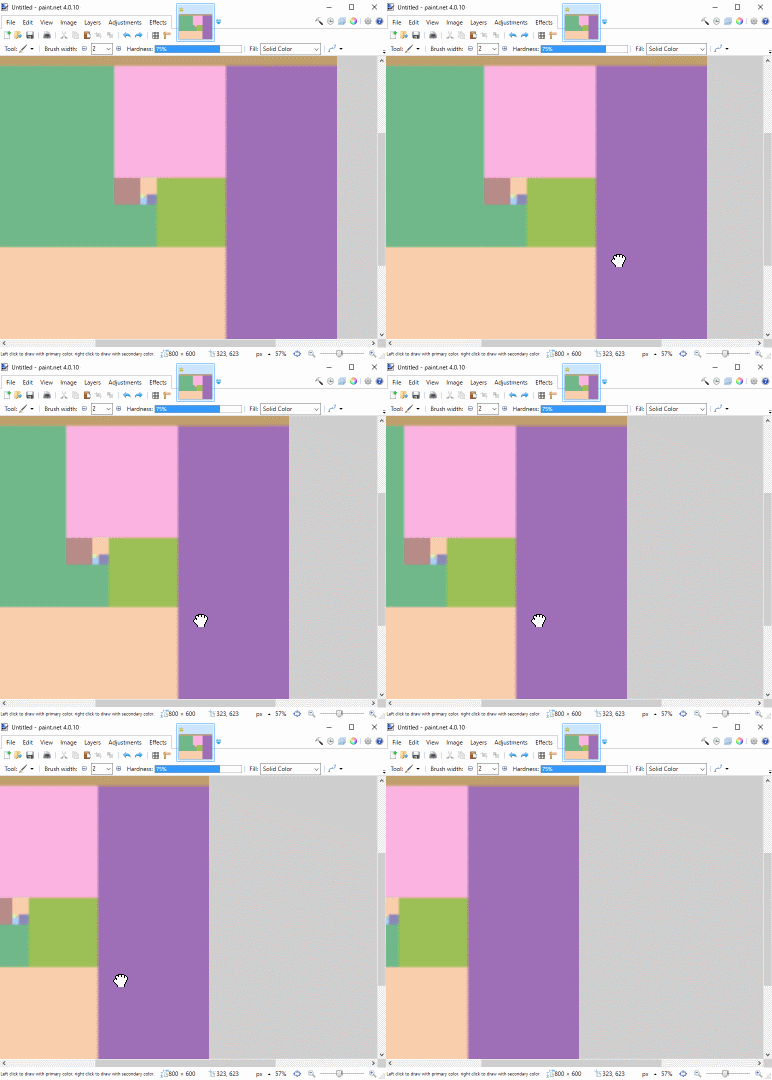
Images can also be panned with the keyboard arrow keys
The amount of panning performed with the arrow keys and
If both the
Centering an Image
Centering can be achieved by using the keyboard combination
The same effect can be achieved using